
Cellular HAT
HAT CAT SIM7070G
Low-power cellular: LTE-M and NB-IoT with GNSS
For remote sites that send small amounts of data and need to run on little power. The HAT carries a SIMCom SIM7070G module with LTE Cat-M1 and NB-IoT, falls back to GSM/GPRS/EDGE, and adds GPS, GLONASS and BeiDou positioning.
Available now. Online shop coming soon.
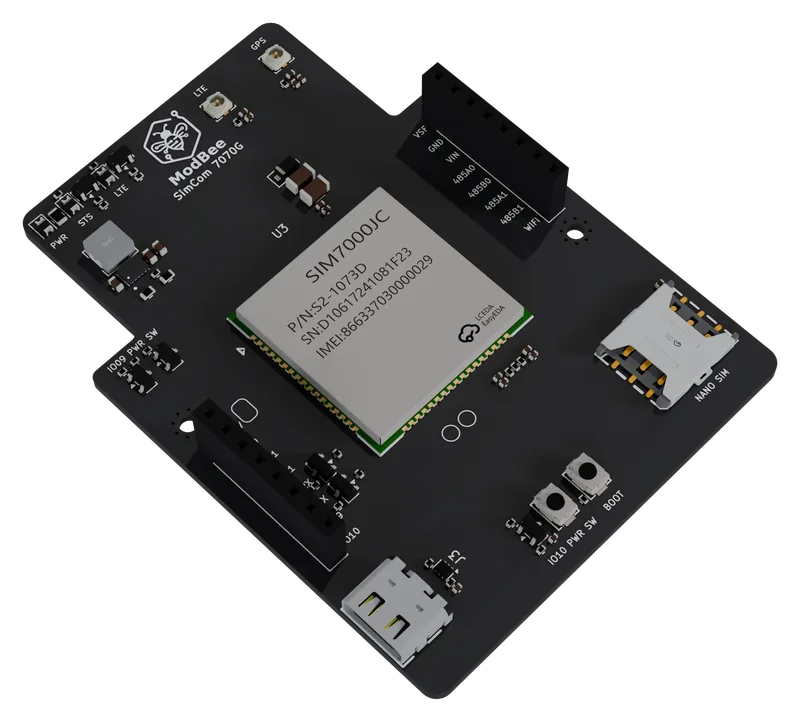
Overview
What it does
The Node UIO switches the HAT's power on and off, so the modem can be shut down between reports and the site runs longer on a battery.
A USB-C port goes straight to the modem, for AT commands and modem firmware updates from a laptop.
Features
- LTE Cat-M1 and NB-IoT, with 2G fallback
- GNSS (GPS, GLONASS, BeiDou) with power for an active antenna
- Nano SIM, U.FL connectors for the LTE and GPS antennas
- USB-C straight to the modem for AT commands and modem firmware updates
- Level-shifted UART to the Node UIO, with power switched by the Node UIO
Views
Renders


Specifications
Technical details
Figures from the schematic, the module datasheets and the documentation on GitHub.
Documentation| Module | SIMCom SIM7070G |
|---|---|
| LTE Cat-M1 bands | B1/2/3/4/5/8/12/13/14/18/19/20/25/26/27/28/66/85 |
| NB-IoT bands | B1/2/3/4/5/8/12/13/18/19/20/25/26/28/66/71/85 |
| 2G | GSM 850/900/1800/1900 |
| Data rate | Cat-M1 589 kbps down, 1119 kbps up. NB-IoT 127 kbps down, 158.5 kbps up |
| GNSS | GPS, GLONASS, BeiDou |
| SIM | Nano SIM |
| Antennas | 2 x U.FL (LTE, GPS) |
| Host interface | UART to the Node UIO; power key and HAT power switched by the Node UIO |
| Module operating temperature | -40 to +85 °C (module rating) |
| Board size | 55 x 74 mm, stacks on the Node UIO |
Works with
Goes with
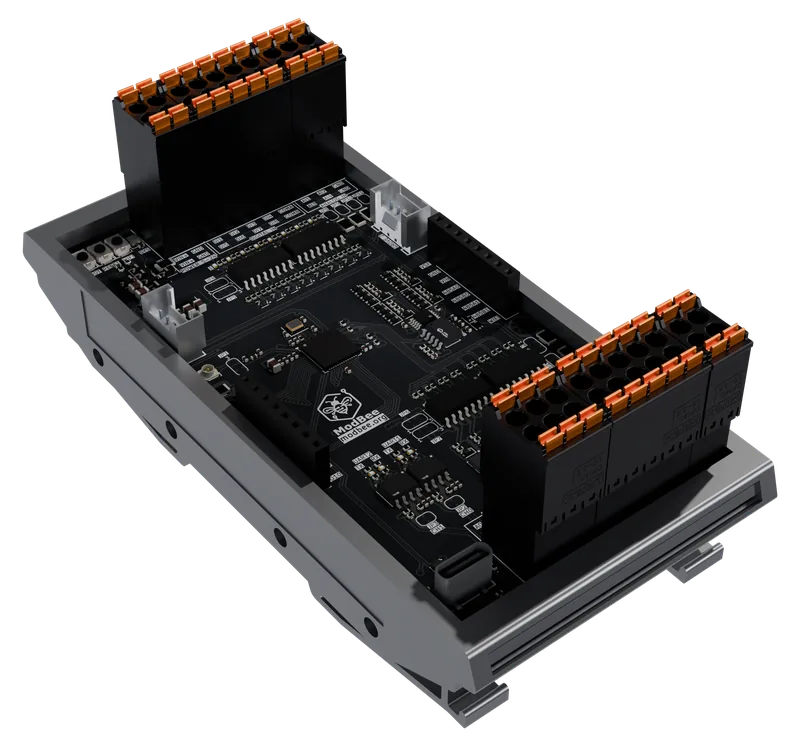
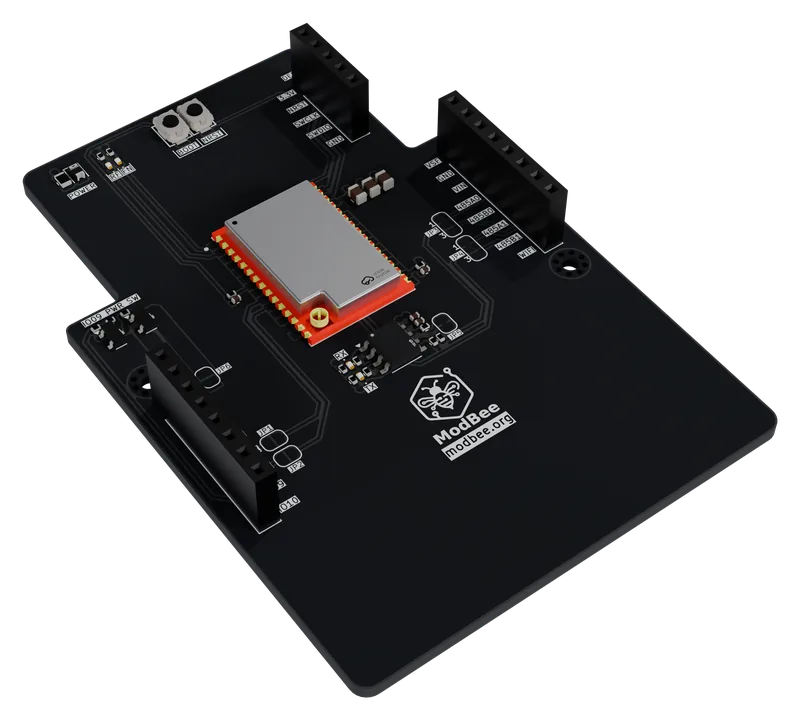
Fit one cellular HAT per stack: the CAT and LTE HATs use the same UART and power key.
Software
What runs it
The ModBee GSM library drives the SIM7070G over AT commands and gives Arduino-standard TCP and UDP clients, modem TLS, SMS and GNSS. ModBee MQTT and Sparkplug B run over it, in OpenPLC or in your own firmware.
Downloads
Schematic and documents
Schematic
PDF, 216 KB
Documentation
Hardware notes and setup, on docs.modbee.org